Reactive Agents
From prototype to reliable AI, quickly
Create and improve AI agents that get better over time with automatic optimization and continuous learning
Everything You Need for Production AI
From intelligent routing to enterprise security, we provide all the tools you need to build and scale AI applications
Response Quality Monitoring
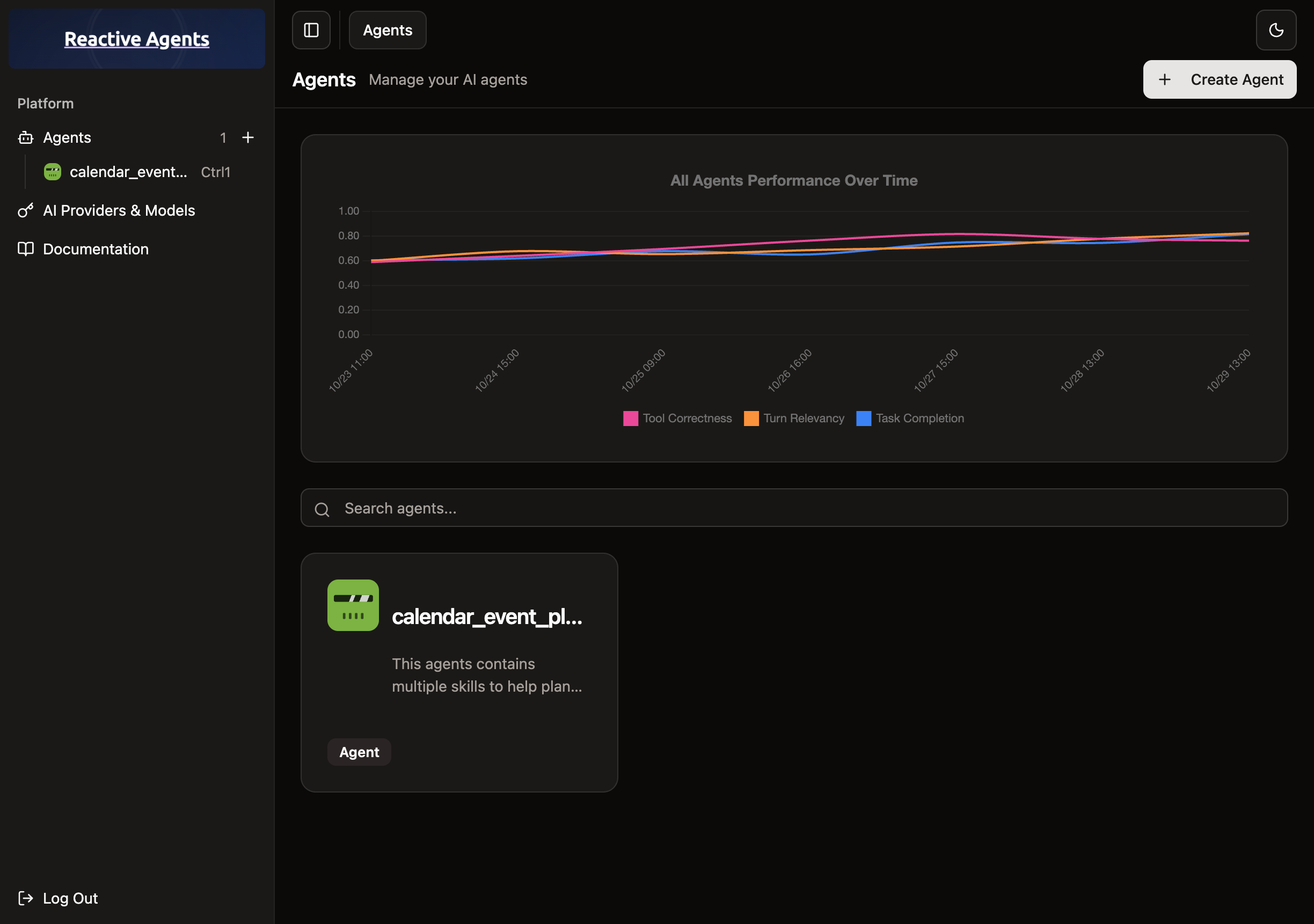
Monitor AI agent performance with real-time quality scores and automatic improvement feedback
Automatic Optimization
Smart configuration testing that automatically finds optimal settings for your AI agents
Multi AI Provider Support
Support for OpenAI, Anthropic, Google, xAI, and many other providers with unified API
Use Cases
Stop manually tuning AI prompts and models. Reactive Agents automatically optimizes your AI agents by testing configurations, evaluating responses, and selecting the best settings for your use cases. Your agents improve themselves while you focus on building features.
Easy to get started
Simple configuration, intuitive dashboards, and automatic optimization that works out of the box.
// reactive-agents.ts
import OpenAI from 'openai';

// Initialize client with Reactive Agents
const client = new OpenAI({
  apiKey: 'your-openai-key',
  baseURL: 'https://your-reactive-agents-instance.com/v1',
});

// Configure optimization settings
const config = {
  targets: [{
    optimization: 'auto'
  }],
  agent_name: 'Customer Support Agent',
  skill_name: 'General Support',
};

// Make optimized requests
async function chatWithAgent(userMessage: string) {
  const response = await client
    .withOptions({
      defaultHeaders: {
        'x-ra-config': JSON.stringify(config),
      },
    })
    .responses.create({
      model: 'gpt-4',
      input: [{
        role: 'user',
        content: userMessage
      }],
    });

  return response.choices[0].message.content;
}

// Usage
const response = await chatWithAgent("Help me with my order");Four simple steps to get started
Clone the Repository & Setup
Clone the repository and follow the simple setup wizard.
Create Your Agents
Use our intuitive interface to create AI agents for your business needs.
Connect Your Apps
Add one simple header to your existing applications to enable optimization.
Watch Them Improve
Your agents automatically learn and get better with every interaction.